Help Center
Everything you need to know about using Nira
Getting Started
Set up your workspace and create your first project
Create your first project
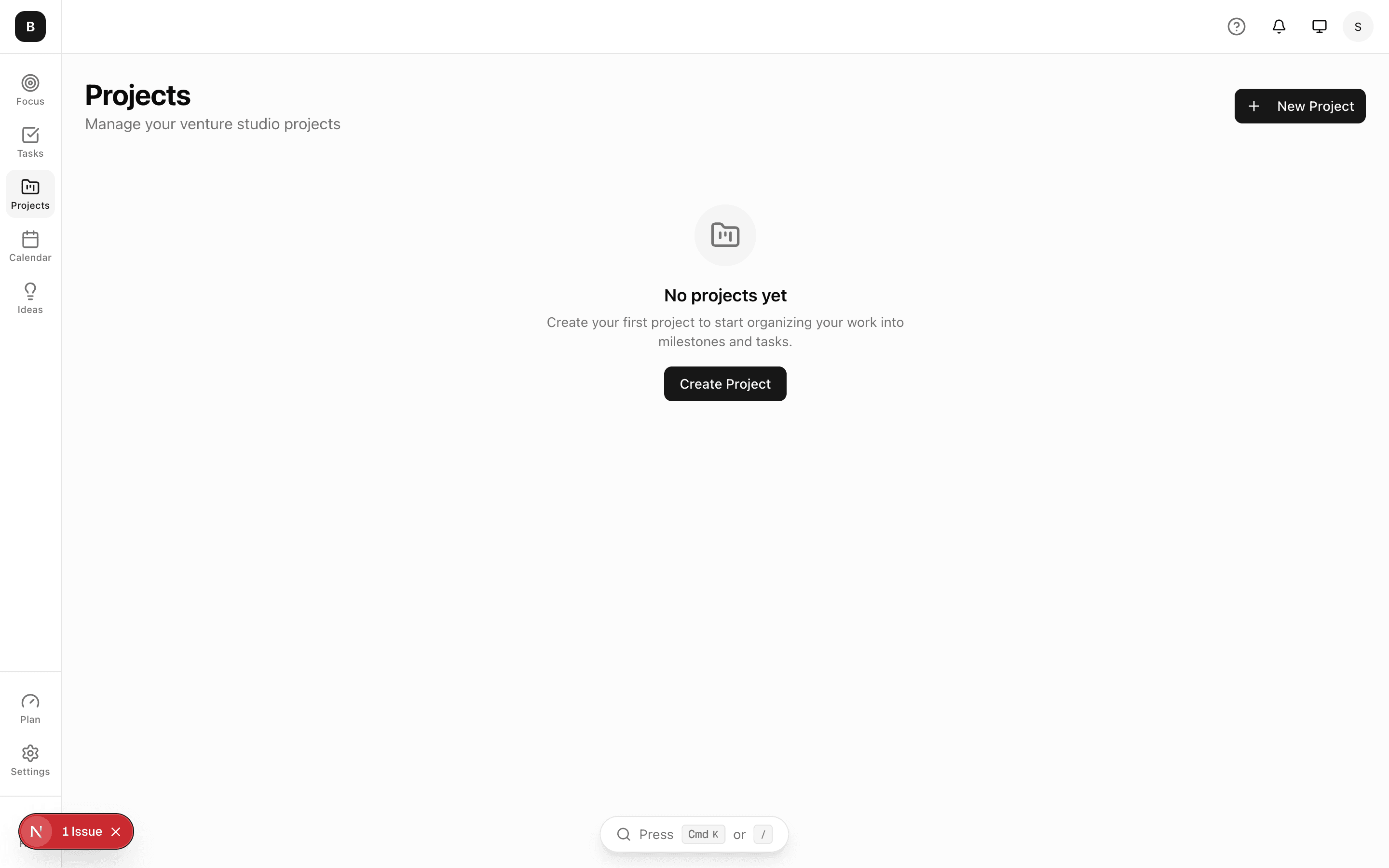
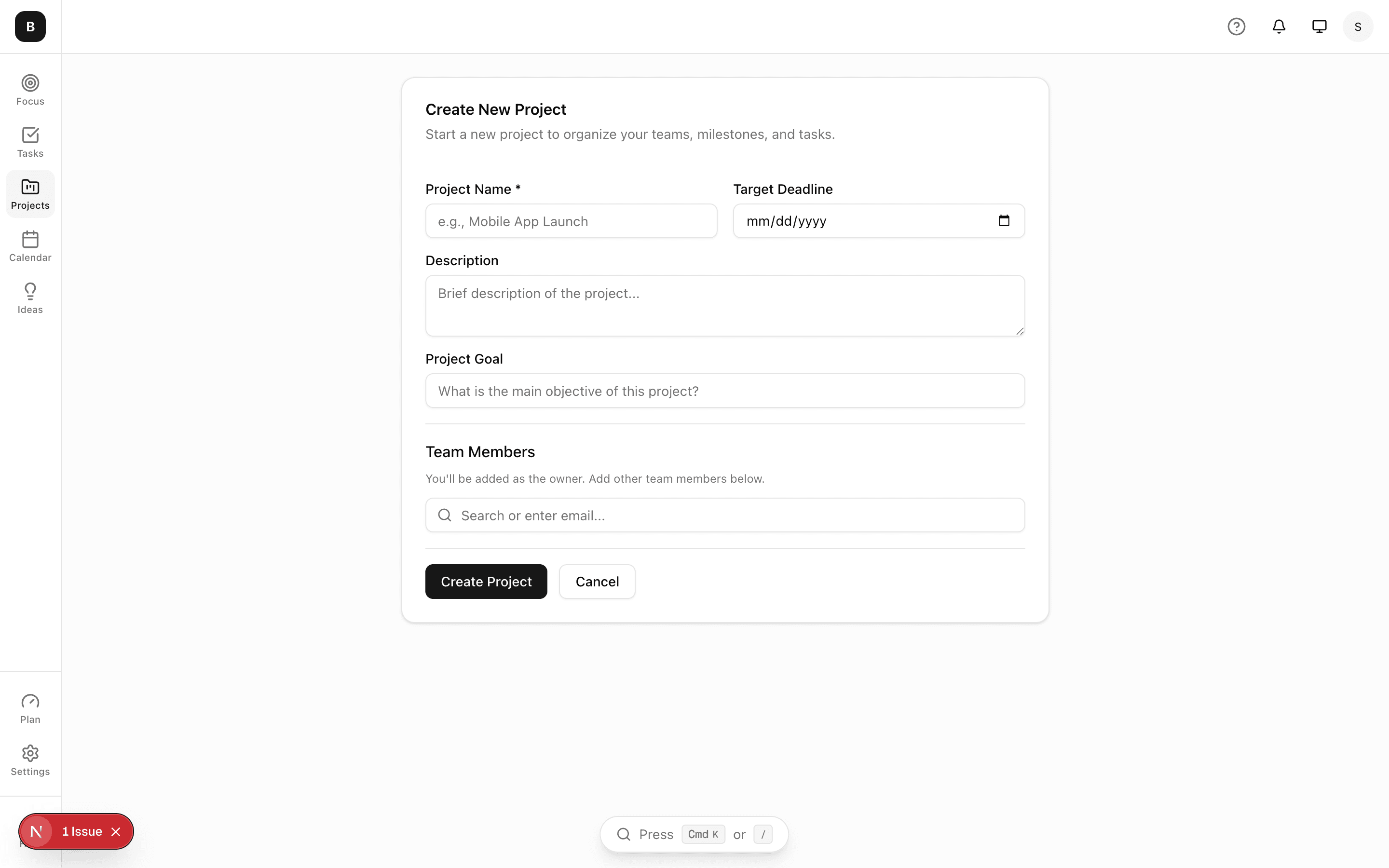
Click "Projects" in the sidebar, then click the "New Project" button. Give your project a name that your team will recognize.
Set your Focus Goal
Every project has one Focus Goal - the main objective that keeps your team aligned. This could be "Launch MVP by March" or "Increase signups 20%". Keep it specific and measurable.
Tip: A good Focus Goal is specific, measurable, and has a deadline.
Add your first task
Press Cmd+K to open the command bar, then type "/task" followed by your task title. For example: /task Design homepage mockup

Invite your team
Go to your project settings and click "Add Members" to invite teammates. They'll get an email invitation to join your project.
Next guide
Ready to get started?
Sign up for free and start shipping faster with Nira.